



- Overview
- Features
- Specifications
- Download and Updates
Overview
CardMinder Business Card Software
Organize and manage all the business cards you receive in one simple software application. CardMinder allows you to view, edit and store contact information straight from a scanned card. Eliminate the stacks of accumulated business cards while organizing the information in an easy-viewing format to access whenever you need it. Searching for contacts is effortless with CardMinder.
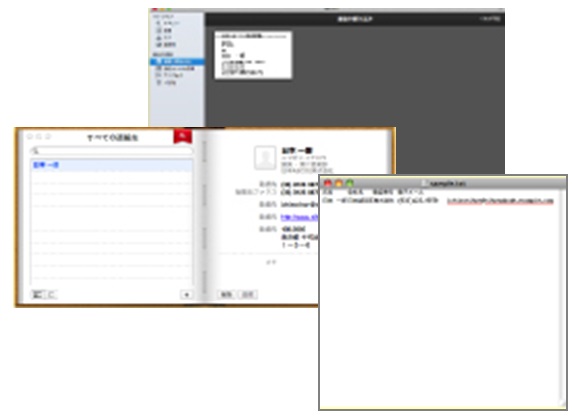
For convenience and efficiency, you can export data into applications like Outlook, Address Book, Excel, and Salesforce. Information is not only stored, but now accessible for use.
For more information, please view the Features tab.
Features
Clear your pile of business cards with "One touch"
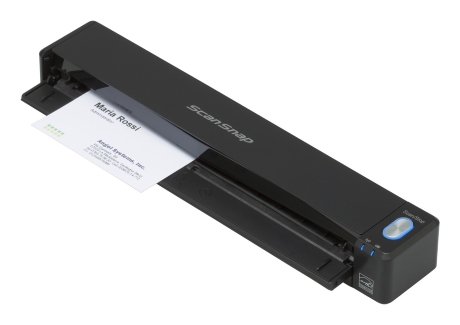
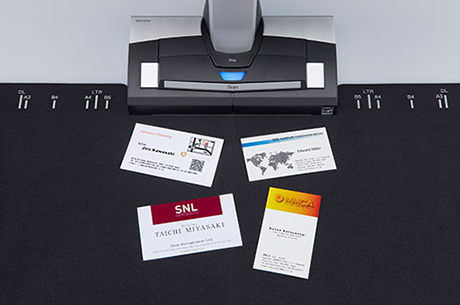
CardMinder helps you stay organized by using Optical Character Recognition (OCR) to automatically recognize and extract text from business cards scanned with a ScanSnap scanner. Scan business cards quickly during a business trip or when at a customer's office with the iX100, or scan multiple business cards at once with the SV600.
Support for global business card management
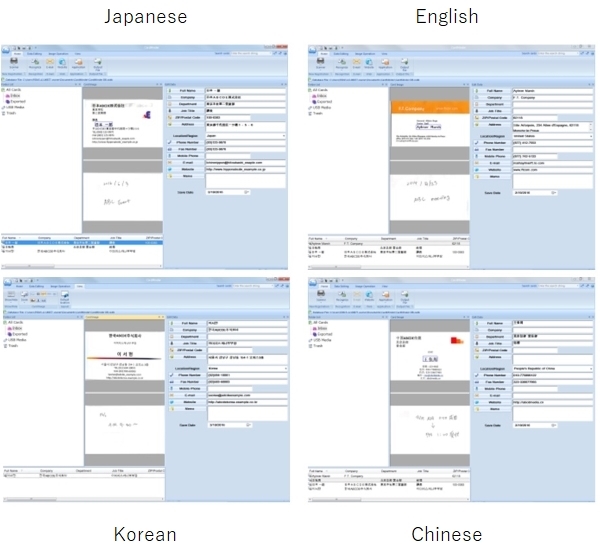
CardMinder supports 11 different languages and enables you to adapt to a global work environment.
Supported languages are Japanese, English, French, German, Italian, Spanish, Russian, Portuguese, Chinese (simplified and traditional), and Korean.
Manage scanned data effectively
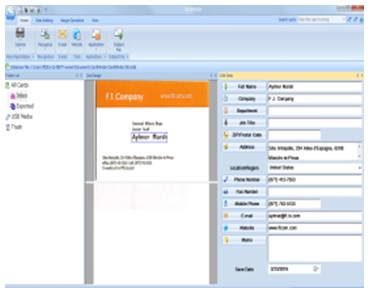
You can search for cards quickly by using keywords which are extracted by the OCR function. For additional backup, you can have CardMinder store the card image as a visual reference.
Use contact information from anywhere
Easily manage contact information with personal information management (PIM) applications. Furthermore, you can archive contact information into a database by using CardMinder to export the scanned data to various file types including ContactXML, vCard, CSV, and text.
Specifications
Please refer to the specifications pages of each ScanSnap model.